Skip to content

@morsel-wallet/adapterv0.4.0MIT

Connect any SVM app to Morsel

One connect widget and typed React hooks for every SVM network. Name your chain once, and every request tells the wallet which network it is for: from a QR on desktop, a deep link on phones, the Chrome extension or Morsel's own browser.

On Solana, every Wallet Standard wallet still connects beside Morsel.

npm install @morsel-wallet/adapter @solana/web3.js
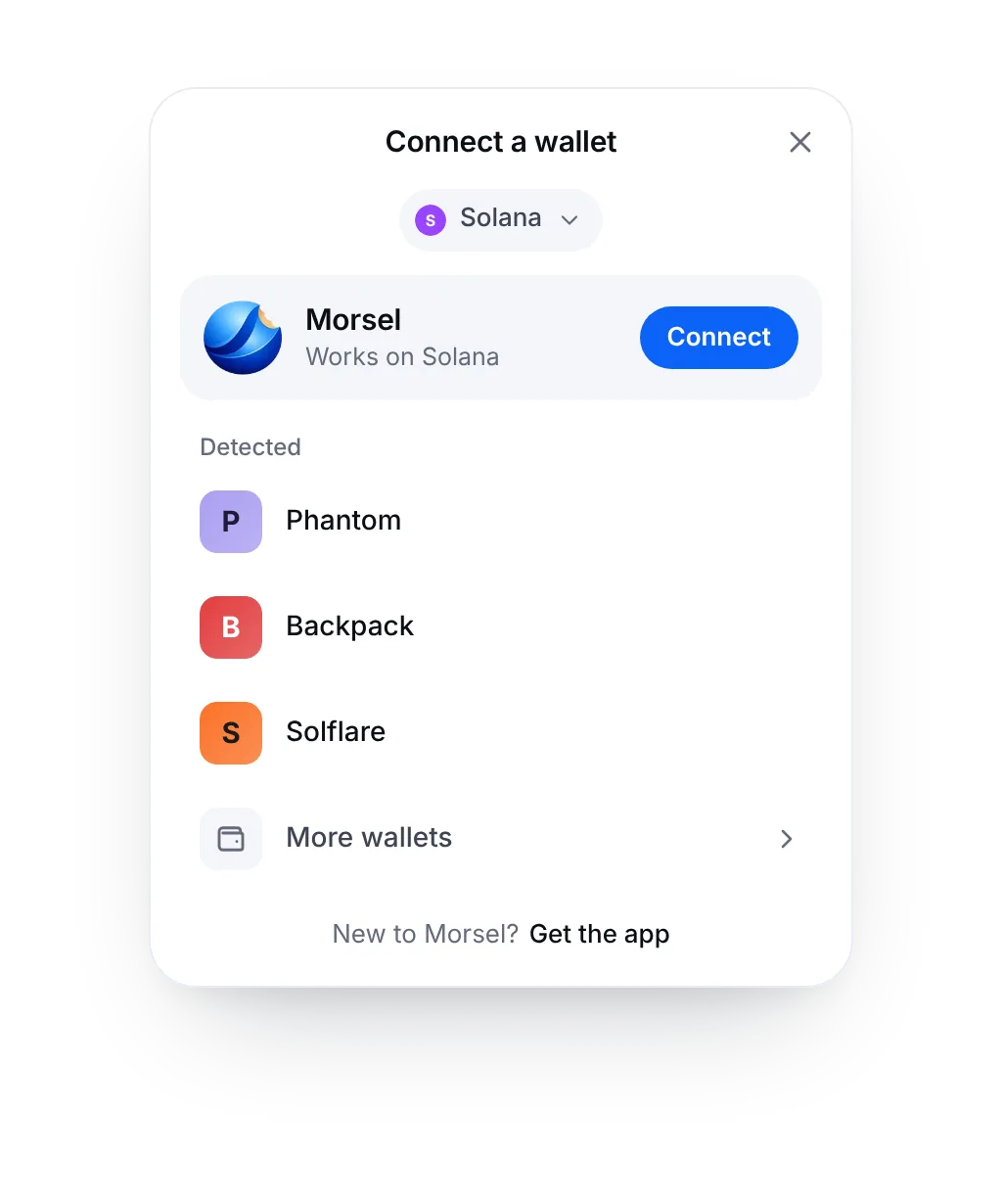
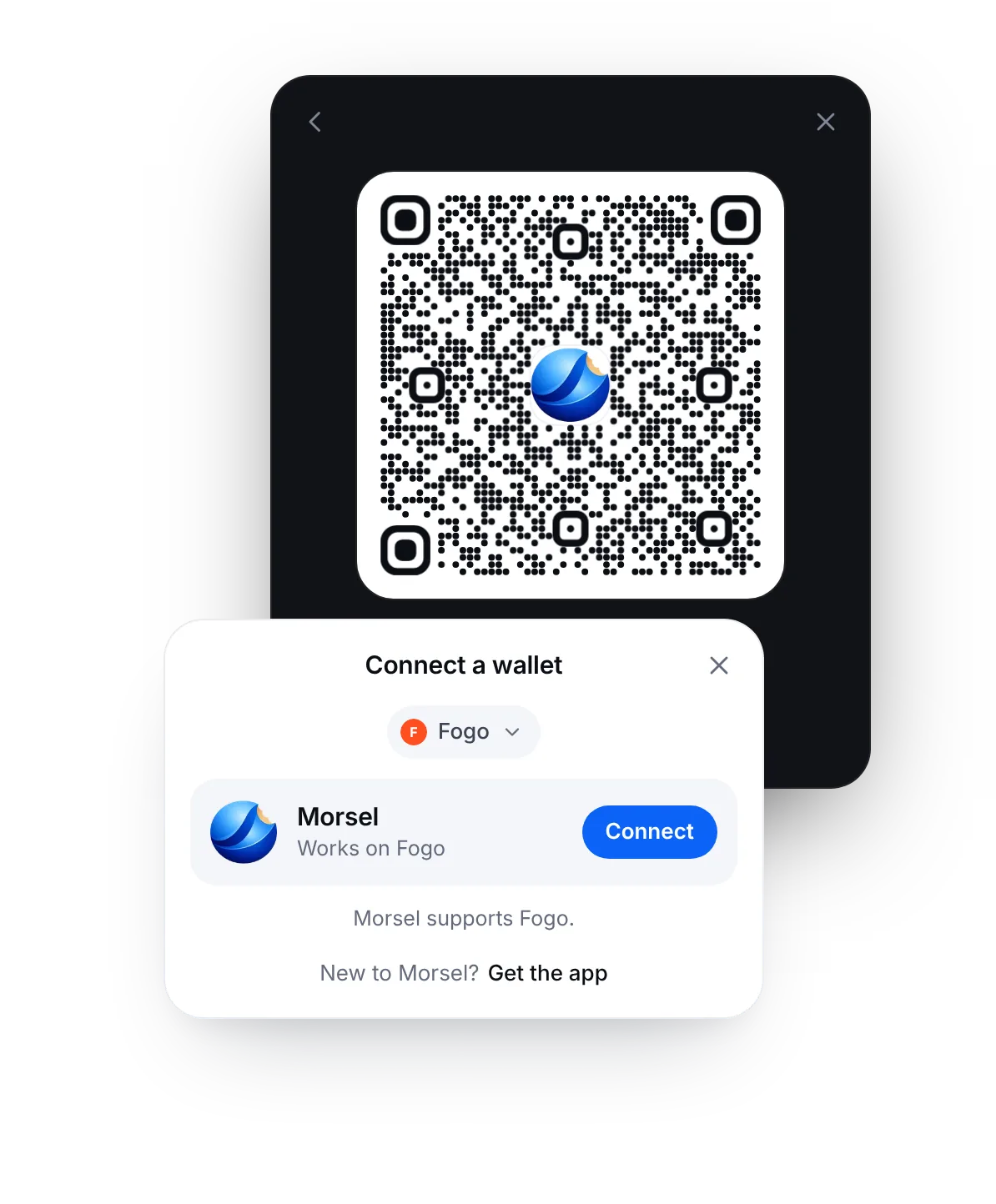
The Morsel connect widget on Fogo: the wallet list in light, and a Morsel QR code in dark
4 ways to connect
QR, phone deep link, extension and in-app browser
6 SVM networks
Solana, Cookie Chain, Fogo, Sonic SVM, X1 and Solayer
50 KB gzipped
Widget, hooks and provider; React and web3.js are peers
E2E encrypted relay
NaCl box between page and phone; the relay sees ciphertext

Live demo

This is the real widget

@morsel-wallet/adapter runs on this page. Pick a network, press Connect, walk the whole flow and sign a message. It never sends a transaction. Then try a theme, an accent and a placement, and copy the config.

Your config
<WalletProvider chain="solana" chains={['solana', 'cookie', 'fogo', 'sonicsvm', 'x1', 'solayer']}>
  <WalletModalProvider>
    <ConnectButton theme="light" />
    <WalletModal theme="light" />
  </WalletModalProvider>
</WalletProvider>

Quick start

Live in three steps

React first. Svelte, Vue and plain JavaScript work too.

  1. 1

    Install

    React 18 or 19 with react-dom is needed only for the hooks and the widget. 0.4.0 is not on npm yet. Until it is published, this command installs 0.1.0, which has none of the network support.

    Terminal
    npm install @morsel-wallet/adapter @solana/web3.js
  2. 2

    Add the provider, the button and the widget

    Give WalletProvider your network as chain. It adds Morsel, and every installed Wallet Standard wallet that supports that network.

    App.tsx
    import { WalletProvider, WalletModalProvider, WalletModal, ConnectButton } from '@morsel-wallet/adapter';
    
    export default function App() {
      return (
        // Your network: 'solana', 'cookie', 'fogo', 'sonicsvm', 'x1' or 'solayer'
        <WalletProvider chain="solana" autoConnect>
          <WalletModalProvider>
            <header>
              <ConnectButton />
            </header>
            {/* your app */}
            <WalletModal />
          </WalletModalProvider>
        </WalletProvider>
      );
    }
  3. 3

    Use the hooks anywhere below the provider

    Fully typed, and they follow the provider's network. All hooks

    Account.tsx
    import { ConnectButton, useChain, useWallet, useWalletBalance, useSignMessage } from '@morsel-wallet/adapter';
    
    export function Account() {
      const { chain } = useChain();
      const { connected, publicKey } = useWallet();
      const { balance } = useWalletBalance(); // read on the provider's network
      const { signMessage, signing } = useSignMessage();
    
      if (!connected || !publicKey) return <ConnectButton />;
    
      return (
        <section>
          <p>{publicKey.toBase58()} on {chain.name}</p>
          <p>{balance ?? '...'} {chain.native.symbol}</p>
          <button disabled={signing} onClick={() => signMessage(new TextEncoder().encode('Hello, Morsel'))}>
            Sign a message
          </button>
        </section>
      );
    }

How it connects

It finds Morsel wherever your users are

One button. The widget picks the right path for the device in front of it.

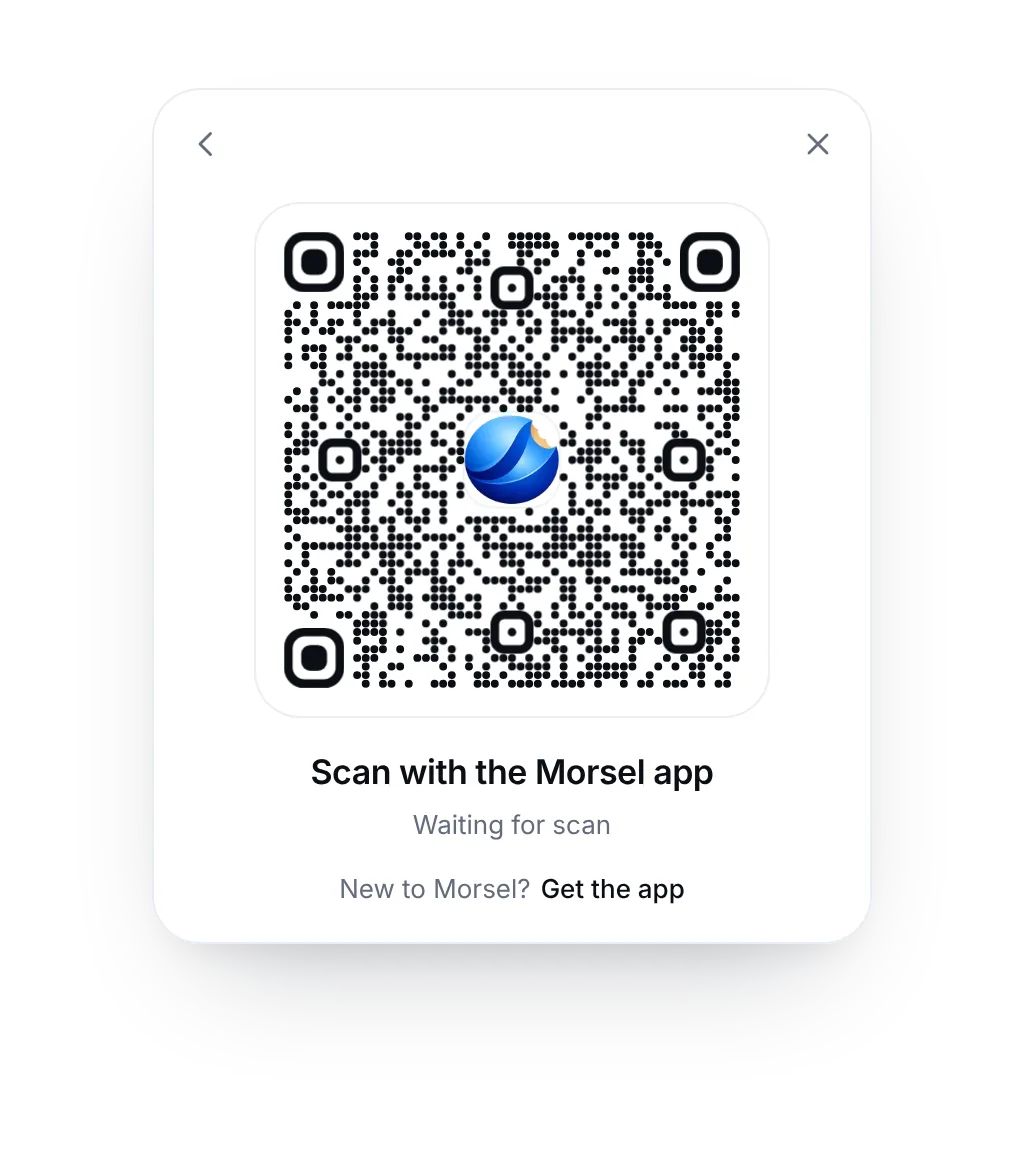
The widget showing a Morsel QR code, waiting for a scan

Desktop

Scan with the Morsel app

No extension? Morsel shows a branded QR with a live status and a five-minute expiry. Page and phone talk over an end-to-end encrypted relay, and the widget switches to Approve on your phone the moment the code is scanned.
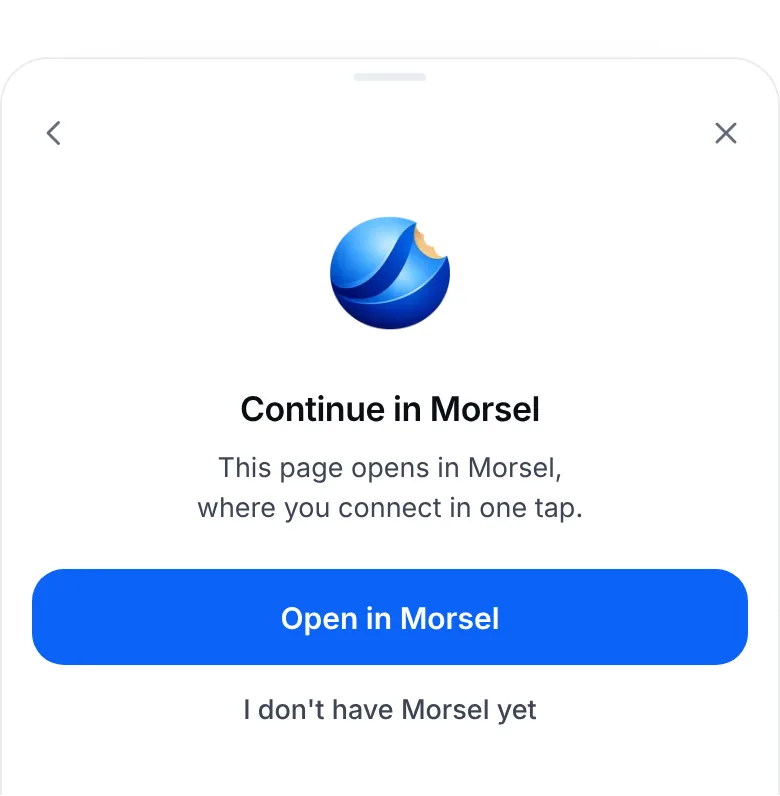
A bottom sheet on a phone: Continue in Morsel, with an Open in Morsel button

Phone browser

Continue in Morsel

On a phone, Connect opens your page inside Morsel's browser through a universal link. It connects there in one tap, and the keys never leave the phone.

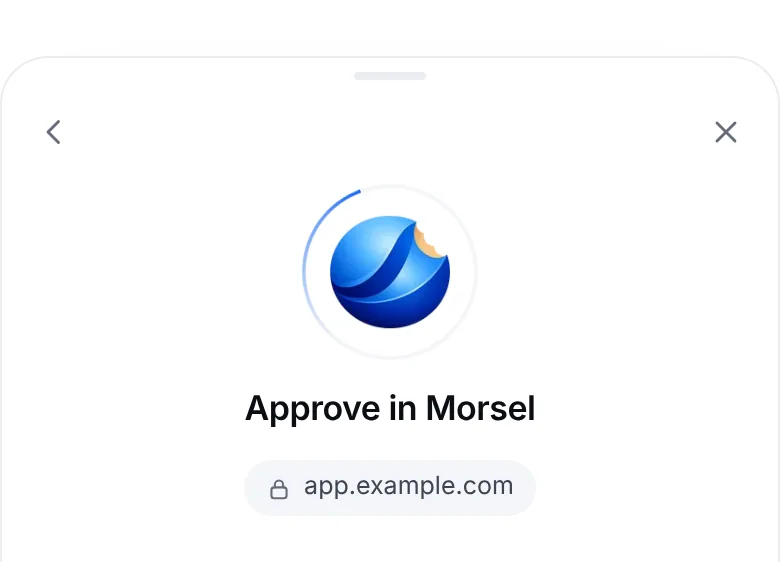
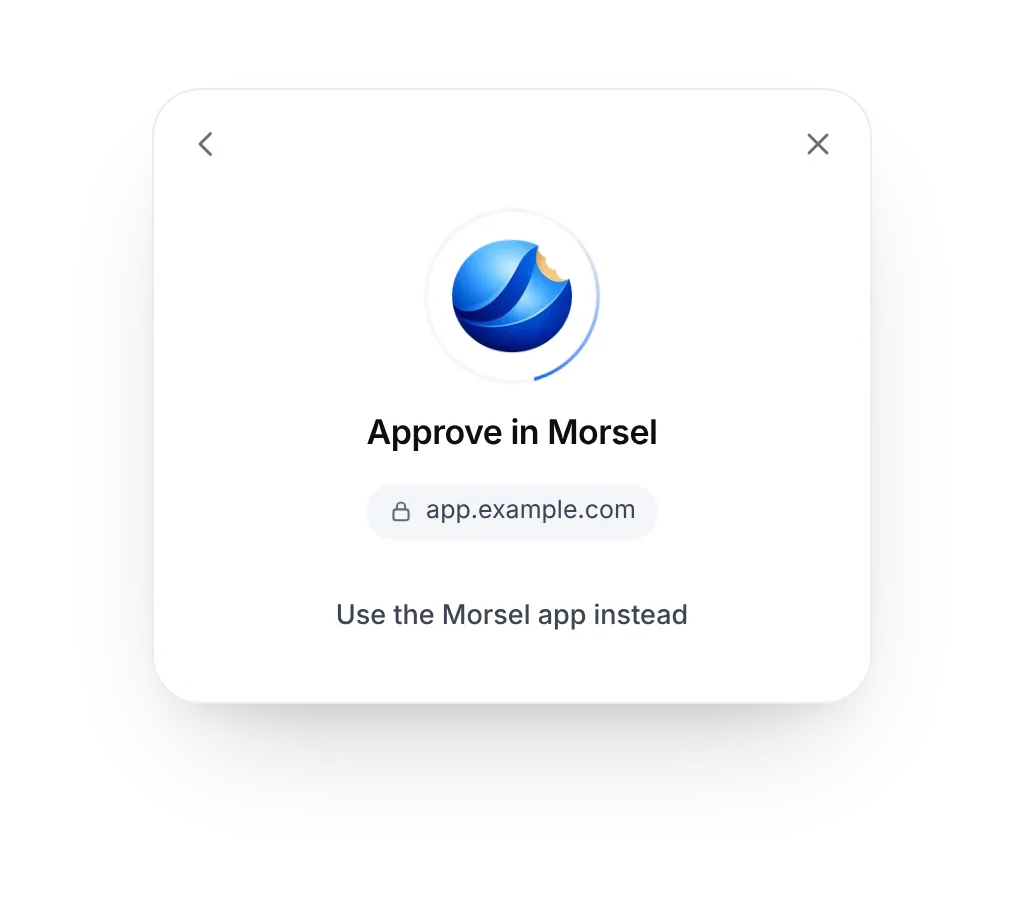
The widget asking to approve in Morsel, showing the site address app.example.com

Chrome extension

Approve in the extension

With the Morsel extension installed, the request goes straight to it. The widget shows your site's address so people know who is asking.

A bottom sheet on a phone: Approve in Morsel, opened inside the Morsel app

Morsel's browser

Already in Morsel

Opened from Morsel's own browser, there is nothing to choose. The widget skips the list and connects right away.

Every state, designed

Wallet listMorsel first, then the wallets that support your network, the rest behind More wallets.
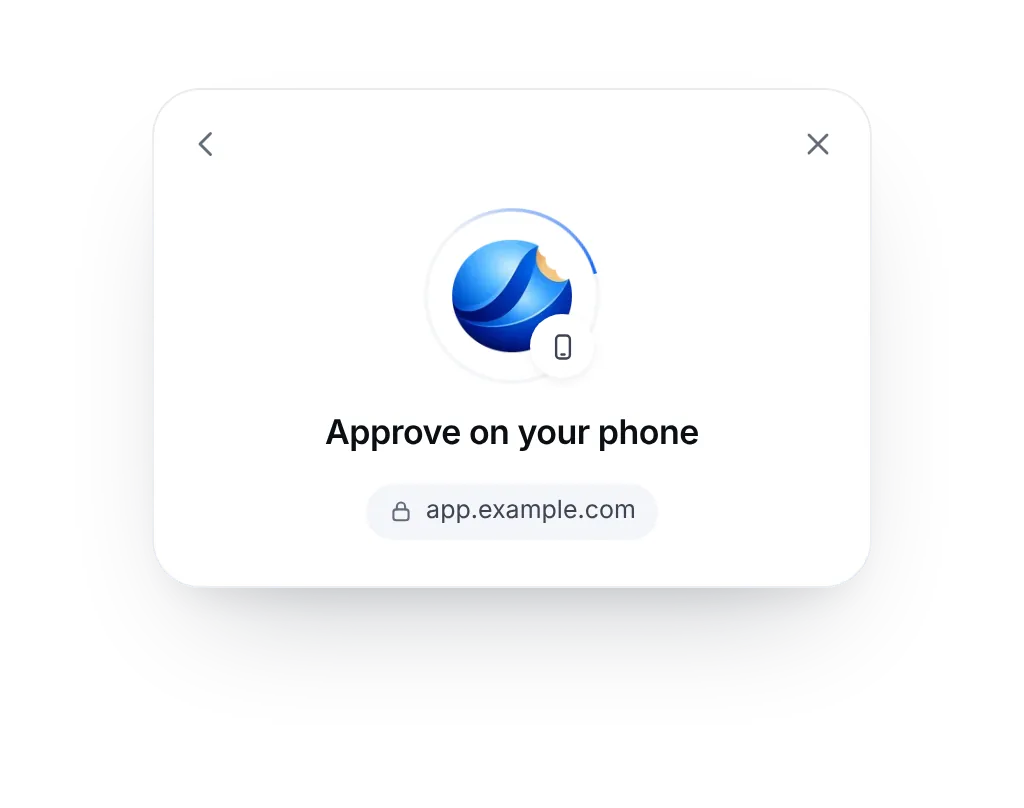
Approve on your phoneSwitches the instant the QR is scanned.
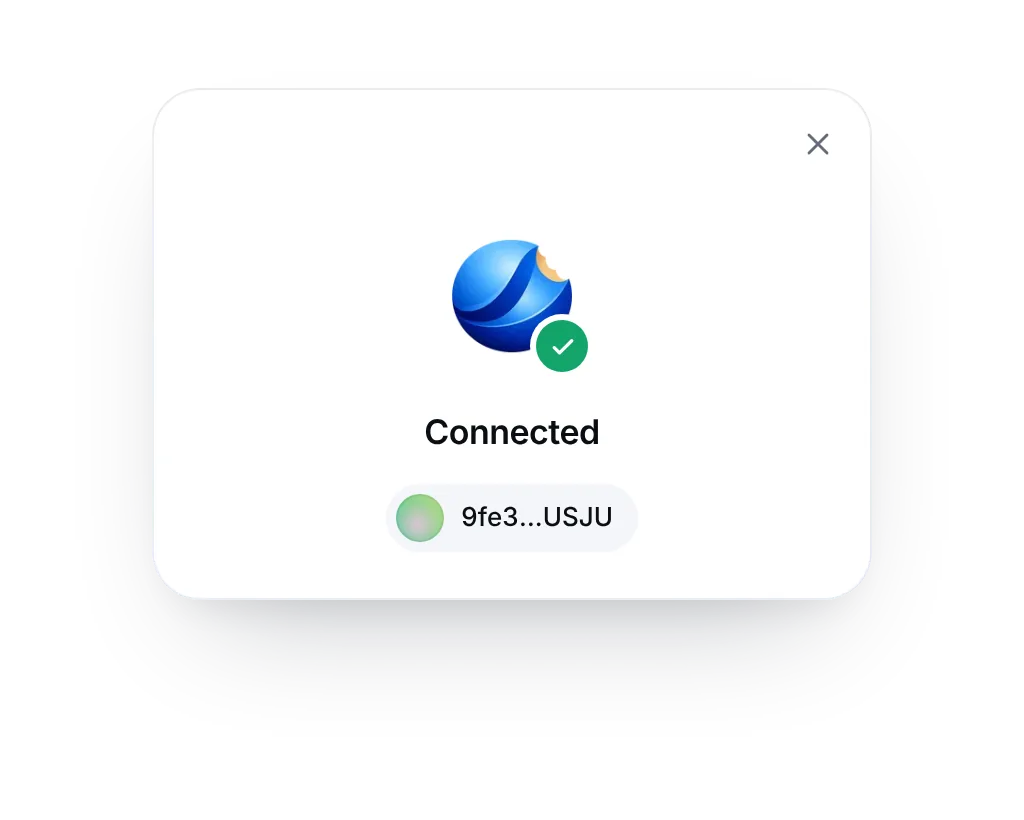
ConnectedA short confirmation, then it closes.
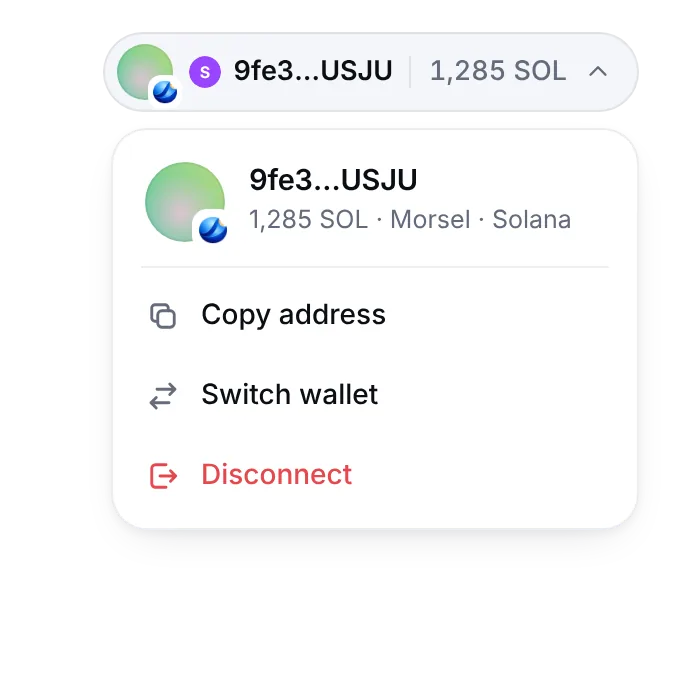
Account chipBalance in the network's coin, copy address, switch wallet, disconnect.
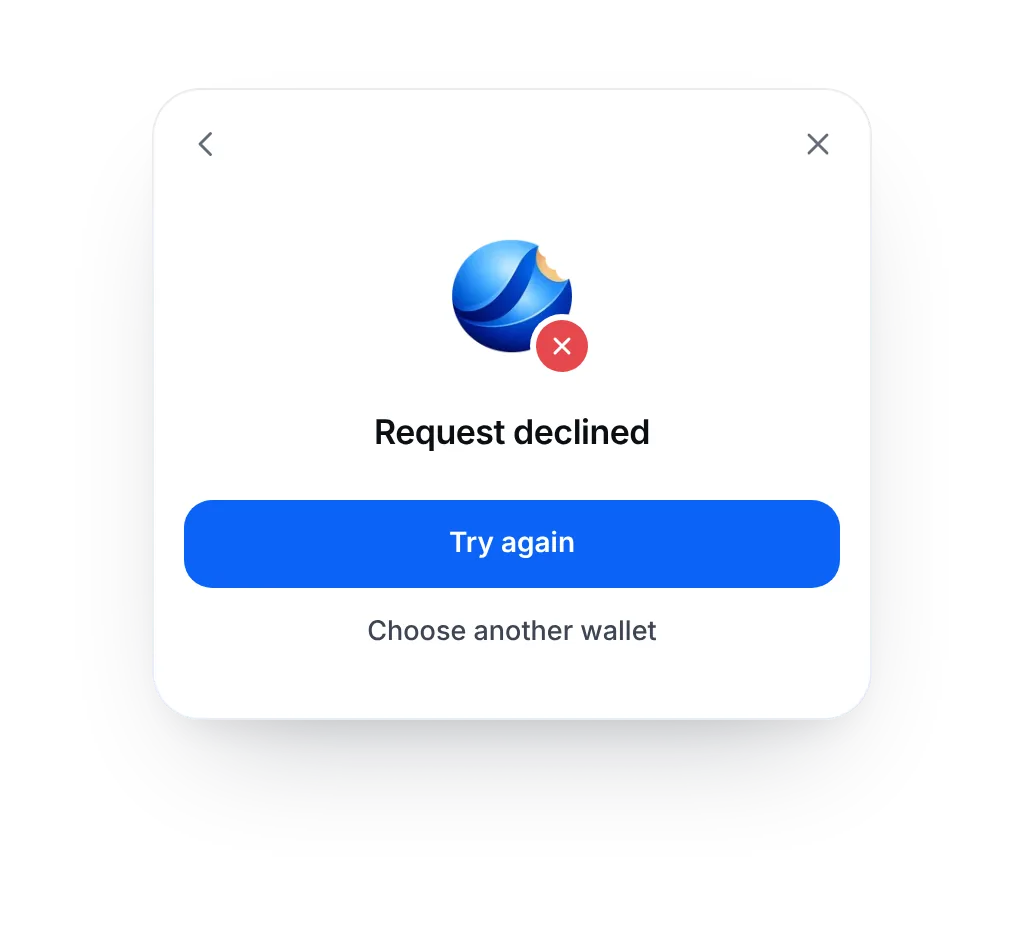
DeclinedA clear message and a one-tap retry.
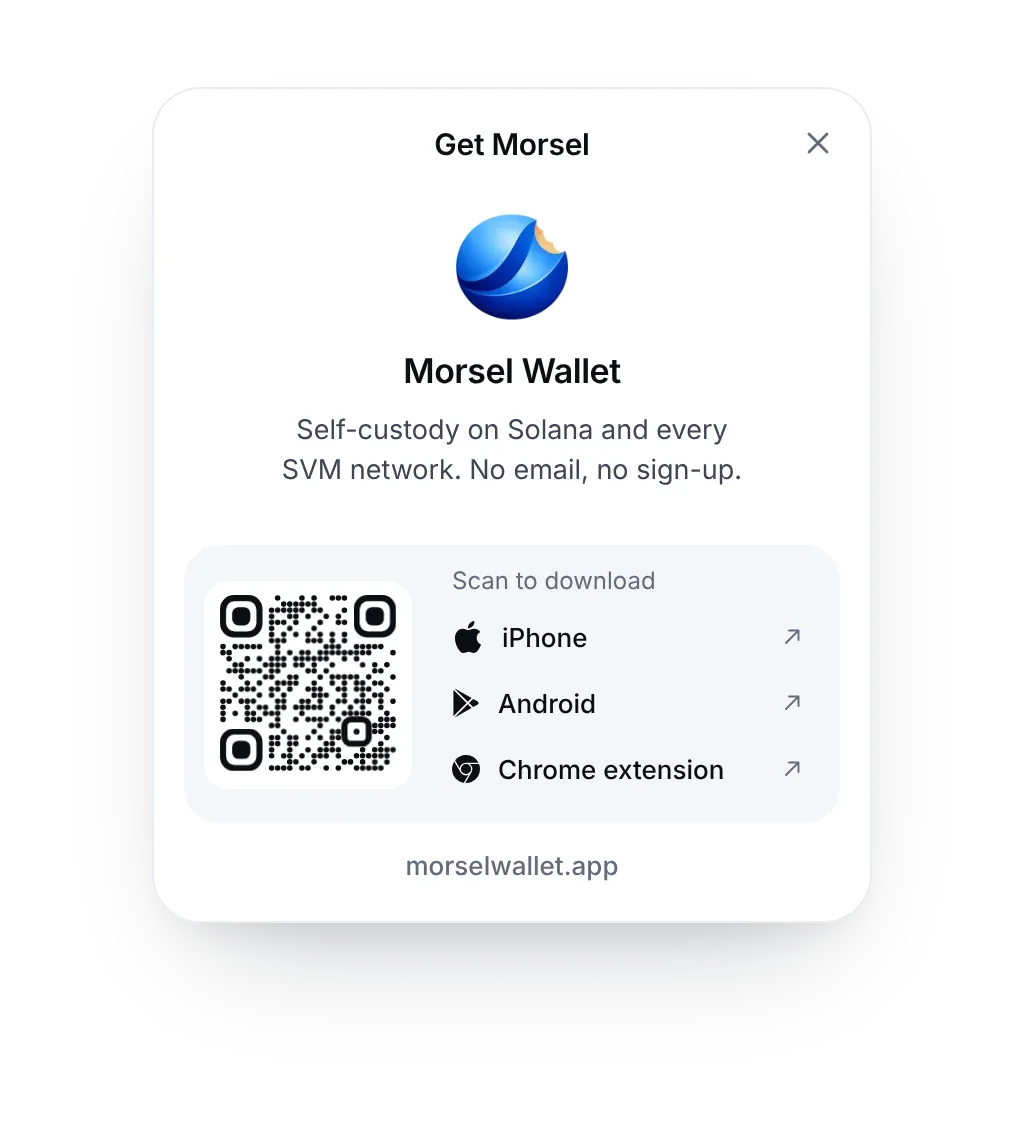
Get MorselA short card for people new to Morsel.

Every screen is a labelled dialog with a focus trap, Esc to close and arrow keys through the list. Motion is transform and opacity only, and turns into a short fade with reduced motion.

Why Morsel

A wallet your users will be glad to connect

Morsel is a self-custody wallet for Solana, Cookie Chain, Fogo, Sonic SVM, X1 and Solayer, on iOS, Android and Chrome.

  • Every SVM network, one wallet

    Solana, Cookie Chain, Fogo, Sonic SVM, X1 and Solayer in one app, one network at a time, with its mark on every screen.

  • They see what they sign

    Transactions are simulated before signing, so people approve outcomes, not bytes.

  • Chats with money in them

    End-to-end encrypted wallet-to-wallet chats, with payments and payment requests in the thread.

  • Private mode

    Private Route sends without a shared pool, and Hidden Balances masks amounts on screen.

  • A browser built in

    Tabs, a site card and the Wallet Standard. Your dApp opens and connects inside Morsel.

  • Keys stay on the device

    Self-custody with Face ID or biometric unlock. No email, no sign-up.